


-

About Flexfilm 2
-

Getting Started 10
-
Core Fundamentals 10
-
-

Orders & Support 83
-
Shipping 10
-
Dealer Rewards 13
-
Ordering & Account 7
-
Pre-Cut Patterns 2
-
General 9
-
Warranty 6
-
Billing & Tax 3
-
Route Package Protection 2
-
Returns & Refunds 2
-
Shop Pay 2
-
Training 1
-
Dealer & Installer Program 4
-
Selling & Quoting 9
-
Marketing & Growth 8
-
Business Operations 5
-
-

Installation Resources 19
-
Architectural 4
-
Automotive 5
-
General 10
-
-

Architectural Window Film 55
-
Safety & Compatibility 18
-
Ownership 2
-
Fundamentals 16
-
Buying Guides 4
-
Performance & Privacy 6
-
Product Guides 9
-
-

Automotive Window Film 40
-
Installation & Ownership 18
-
Product Guides 11
-
Legal & Compliance 3
-
Buying Guides 8
-
-

Tools 10
-
Cutting & Prep 3
-
Application 3
-
Measurement & Layout 2
-
Specialty 2
-
-

Plotters 8
-
Ownership 6
-
Buying Guides 2
-
-

FlexCut Software 25
-
Account & Licensing 5
-
Getting Started 10
-
Troubleshooting 2
-
Using FlexCut 8
-
-

Paint Protection Film (PPF) 10
-
Ownership 3
-
Fundamentals 4
-
Product Guides 3
-
-

Surface Coatings 13
-
Product Guides 7
-
Fundamentals 3
-
Ownership 3
-
Patterns Database Update


Patterns Database Update
The software does not require an internet connection to cut patterns. However, you must connect to the internet to complete registration and receive Patterns Database updates.
The Patterns Database is stored locally on your PC, allowing you to cut unlimited patterns within your STANDARD subscription, even while offline.
An internet connection is required to keep your Patterns Database up to date with the latest fixes, additions, and other changes.
Keeping Your Patterns Database Updated
We recommend updating the Patterns Database at least once a week. Our design team continuously updates existing patterns and adds new ones.
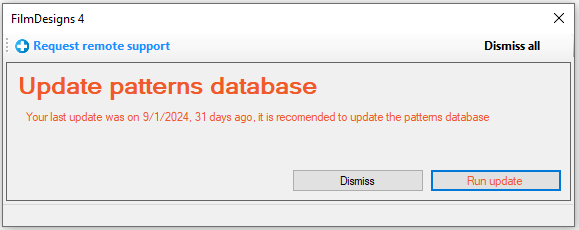
The software will notify you when it is time to update. You will first receive a notification when you launch the software.
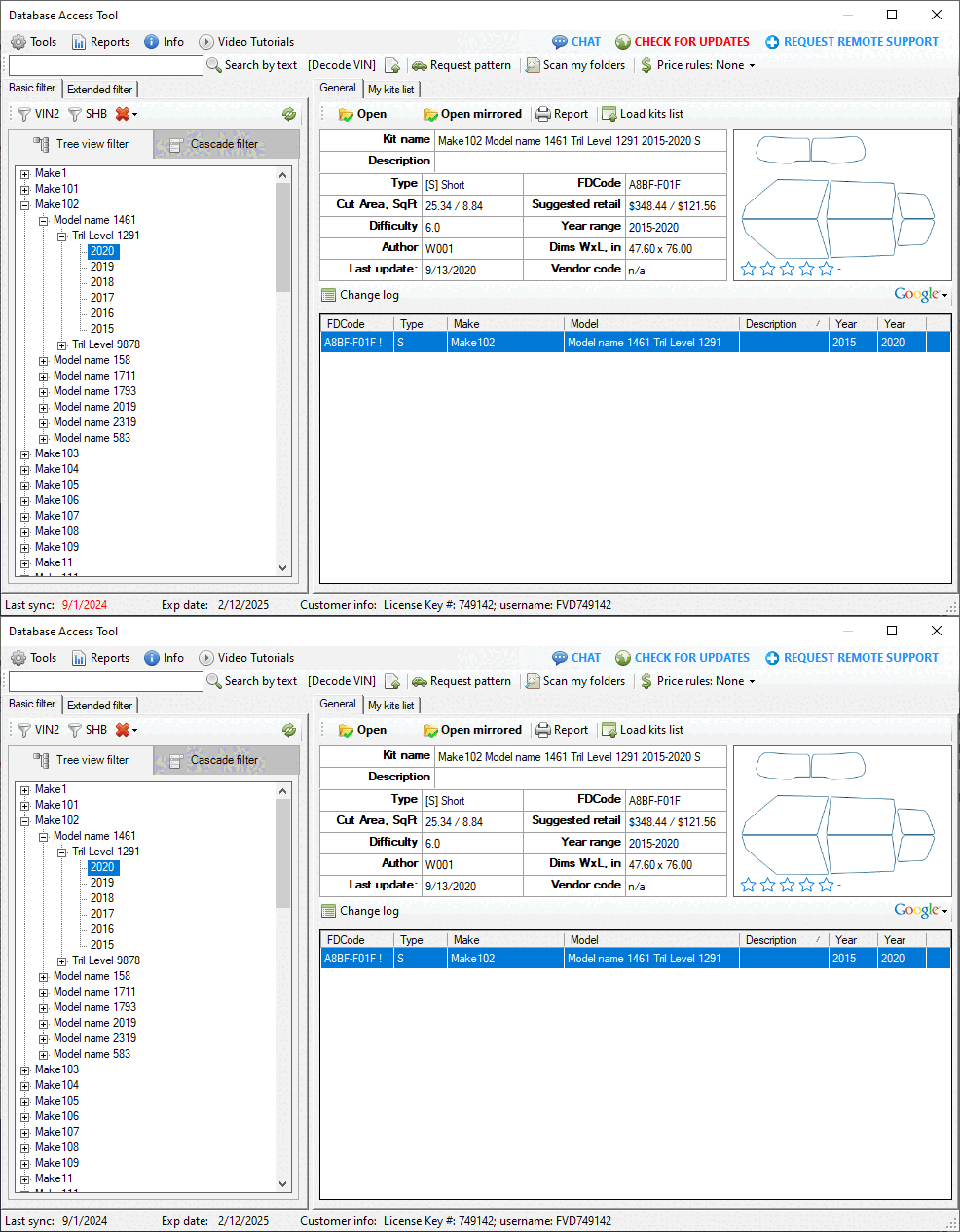
When opening a pattern from the database, you may also see a blinking “CHECK FOR UPDATES” button.
Types of Patterns Database Updates
During an update, the software downloads changes made to the patterns from the server. There are two types of updates:
- Get Latest Changes
- Get Full Package
Get Latest Changes
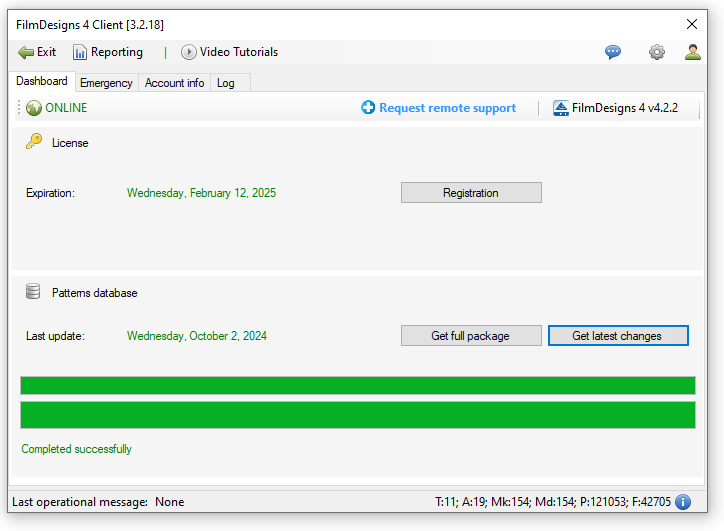
In most cases, selecting “Get Latest Changes” is sufficient to keep your Patterns Database current.
Get Full Package
The “Get Full Package” option can be helpful if you have not updated the Patterns Database for an extended period and want to ensure that everything is up to date.
The software will require a “Get Full Package” update after 15 days.
You can continue cutting while the Patterns Database is updating.
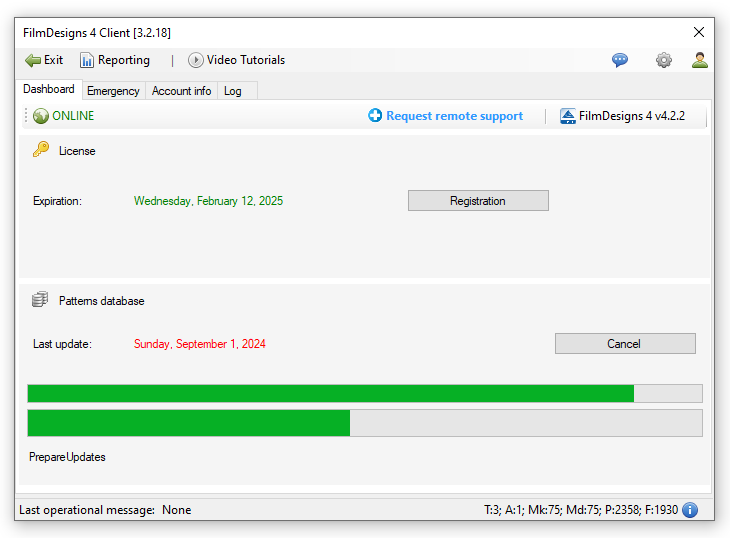
Confirming the Update
After the update is complete, the Last Update date will change to the current date and appear in green.